> For the complete documentation index, see [llms.txt](https://support.vlex.com/llms.txt). Markdown versions of documentation pages are available by appending `.md` to page URLs; this page is available as [Markdown](https://support.vlex.com/vlex-library/vlex-library-home/getting-started/how-to-sign-in-to-vlex-library.md).
# How to Sign In to vLex Library
Sign in to vLex Library by visiting the website and entering your username and password. vLex also supports various vlex login options, including institutional access, Microsoft, and social media acco
### Summary
Sign in to vLex Library by visiting the website and entering your username and password. vLex also supports various **vLex Library login** options, including institutional access (OpenAthens, Shibboleth), Microsoft, and social media accounts.
### Why This is Important
Choosing the right sign-in method streamlines your workflow by providing the quickest, most secure access to our global legal research platform. A personal login ensures you can always access your saved history, alerts, and folders, making your legal research more efficient.
### Available Sign-In Methods
Here is a breakdown of the different ways you can access your vLex Library account.
#### Standard Sign-In (Username and Password)
This is the most direct way to access your personal account.
1. Navigate to the [**vlex.com**](https://vlex.com/) website.
2. Select **Sign In** from the top-right corner.
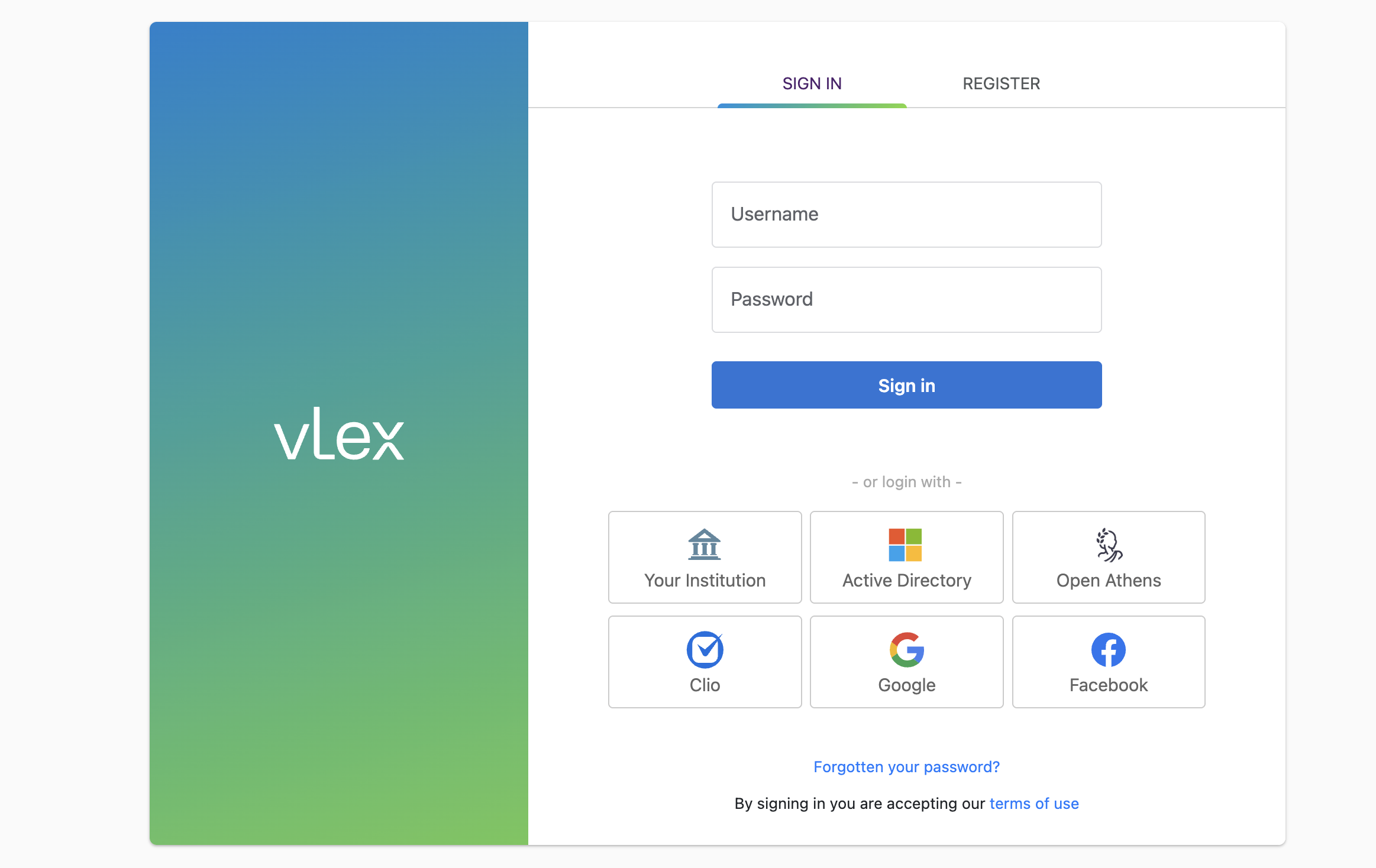
3. Enter your registered **username** and **password**.
The standard sign-in fields for username and password.
#### Institutional & Federated Access
These options are common for universities, governments, and other large organizations.
#### **Via Your Institution (Shibboleth)**
1. On the Sign In page, choose **Your institution**.
2. Search for your institution by name or email domain.
3. You will be redirected to your institution's login page to enter your credentials.
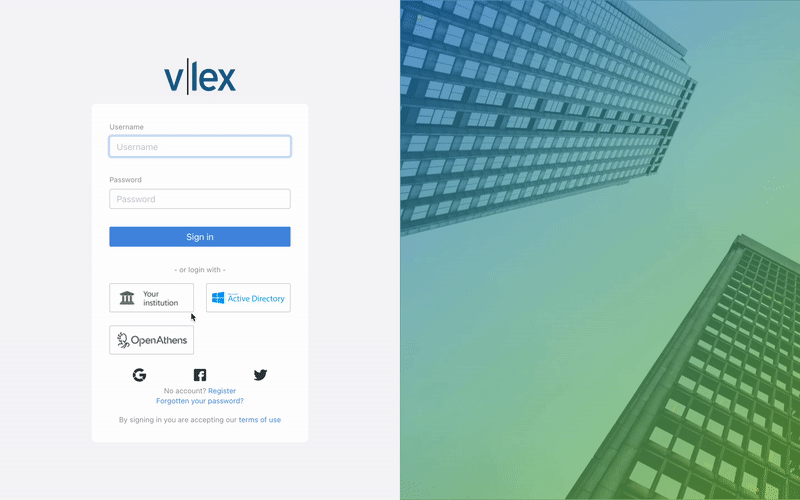
Finding your institution to sign in via Shibboleth.
#### **Via OpenAthens**
1. Select **OpenAthens** on the Sign In page.
2. You will be redirected to the OpenAthens login page to enter the credentials provided by your organization.
{% hint style="info" %}
**Multiple Sign-In Options Supported**
vLex Library supports a wide range of sign-in methods to accommodate different users and organizations, including:
* Username and Password
* IP recognition
* Microsoft Active Directory
* OpenAthens
* EZProxy or WAM Proxy
* Social login (Google and Facebook)
* Other standard institutional login portals (Via your institution)
{% endhint %}
#### Corporate & Remote Access
#### **Via Microsoft Active Directory**
1. Click **Active Directory** on the Sign In page.
2. You will be taken to the Microsoft login page. If you are already logged in, you will be taken directly into vLex Library.
#### **Automatic Sign-In (IP Recognition & Proxy)**
Organizations like law firms and universities often use IP recognition or a proxy service (like EZProxy) for seamless on-site or remote access.
* **IP Recognition:** If you are connected to your organization's network, you may be signed in automatically by navigating to [**vlex.com**](https://vlex.com/).
* **Proxy Link:** For remote access, your organization may provide a special link that directs you through their proxy server.
#### **Social Logins**
You can link your vLex Library access to a social media account for convenience.
1. On the Sign In page, click the icon for **Google** or **Facebook**.
2. Authorize vLex to use your account for authentication on the first login.
### Best Practices & Pro Tips
* **Personalized Features:** When using a shared access method like **IP Recognition**, personal tools like **History**, **Alerts**, and **Folders** may be unavailable. For full access, sign out and sign back in with your personal username and password.
* **Password Issues:** If you have forgotten your password for a standard account, you can [reset it here.](https://app.vlex.com/account/password_reset)
* **Administrators:** If you manage your organization's account and need to configure authentication, please contact [**vLex support**](https://vlex.com/contact-us) or refer to our admin guides.
### Related Articles
* [How to Reset or Change Your Password](/vlex-library/vlex-library-home/account-and-admin-management/how-to-reset-or-change-your-password.md)
* [How to Navigate and Filter the Search Results Page](/vlex-library/vlex-library-home/getting-started/how-to-navigate-and-filter-the-search-results-page.md)
* [Navigating the Document Viewer in vLex Library](/vlex-library/vlex-library-home/getting-started/navigating-the-document-viewer-in-vlex-library.md)
**What's Your Next Step?**
| **New to vLex Library ?** | **Already a vLex Library Customer?** |
| ----------------------------------------------------------------------------------------------------------------------------------------------------------------------------------------------------------------------------------------------------------------------------------------------------------------------------------------------------------------------------------------------------------------------------------------------------------------------------- | ---------------------------------------------------------------------------------------------------------------------------------------------------------- |
| [See how vLex Library can transform your practice. ](https://vlex.com/book-a-demo?utm_source=website\&utm_medium=organic\&utm_campaign=web_trial_homepage\&campaign_id=4270741)[**Request a personalized demo**](https://vlex.com/book-a-demo?utm_source=website\&utm_medium=organic\&utm_campaign=web_trial_homepage\&campaign_id=4270741)[**.**](https://vlex.com/book-a-demo?utm_source=website\&utm_medium=organic\&utm_campaign=web_trial_homepage\&campaign_id=4270741) | [If you still have questions or need help with a specific feature, our team is here to assist. **Contact our Support team**.](https://vlex.com/contact-us) |