# How vLex Library Ranks Search Results

### Summary

vLex Library sorts your search results by **Relevance** by default to ensure the most important information appears at the top. This ranking is calculated by a smart algorithm that considers multiple factors beyond simple keyword matching.

### Why This is Important

Understanding how results are ranked builds confidence in your **vlex legal research**. It clarifies why certain documents appear first, assuring you that the ranking is based on legal authority and relevance, not just random keyword hits.

### Factors That Determine Result Ranking

Our relevance algorithm is a blend of several key factors:

* **Textual Ranking:** How closely the text of the document relates to your search terms.
* **Legal Ranking:** The authority of the source. For example, a Supreme Court decision will rank higher than a lower court decision.
* **Citation Frequency:** Documents that are cited more often by other authoritative sources are ranked higher.
* **Social Ranking:** The algorithm learns from how users interact with documents. Highly visited and utilized documents gain relevance.
* **Personal Ranking:** The system considers your followed **SmartTopics** and documents, giving a slight boost to content that matches your stated interests.
* **Editorial Ranking:** For very common searches, our legal editorial team may manually curate the top results to ensure quality.

{% tabs %}
{% tab title="English Interface" %}

<figure><img src="/files/JSJ82v3JsNWJfEngRRCX" alt=""><figcaption><p>vLex Library uses a multi-factor algorithm to determine the most relevant results.</p></figcaption></figure>
{% endtab %}

{% tab title="Interfaz en Español" %}

<figure><img src="/files/qOUq8BWb85EcLxRoxAkG" alt=""><figcaption><p>vLex Library utiliza un algoritmo multifactorial para determinar los resultados más relevantes.</p></figcaption></figure>
{% endtab %}
{% endtabs %}

{% hint style="info" %}
**You Can Influence Your Rankings:** The system learns from your behavior. The more you use vLex Library and personalize your experience by following topics, the better your personal ranking factor will become.
{% endhint %}

### How to Change the Sort Order

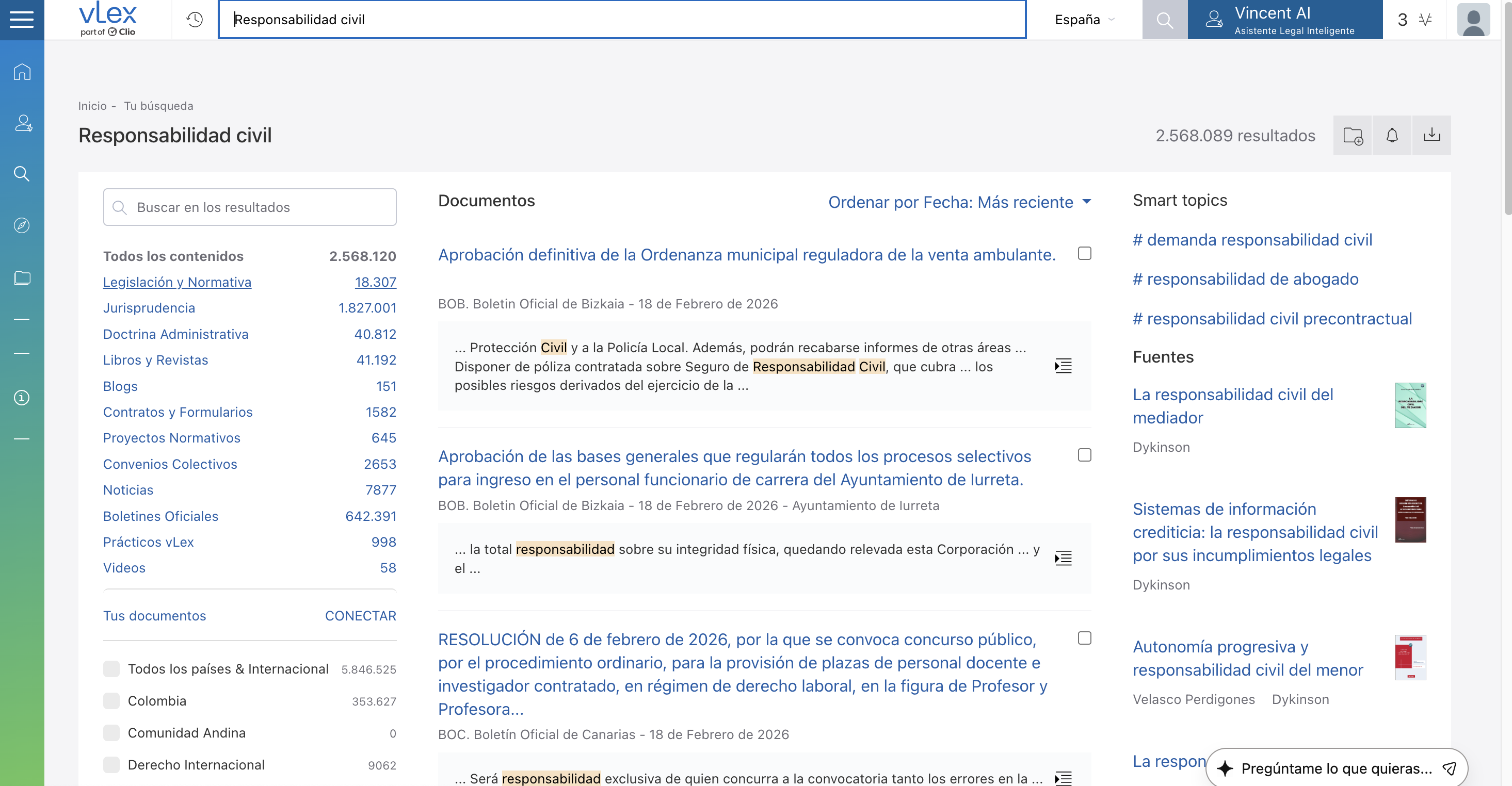
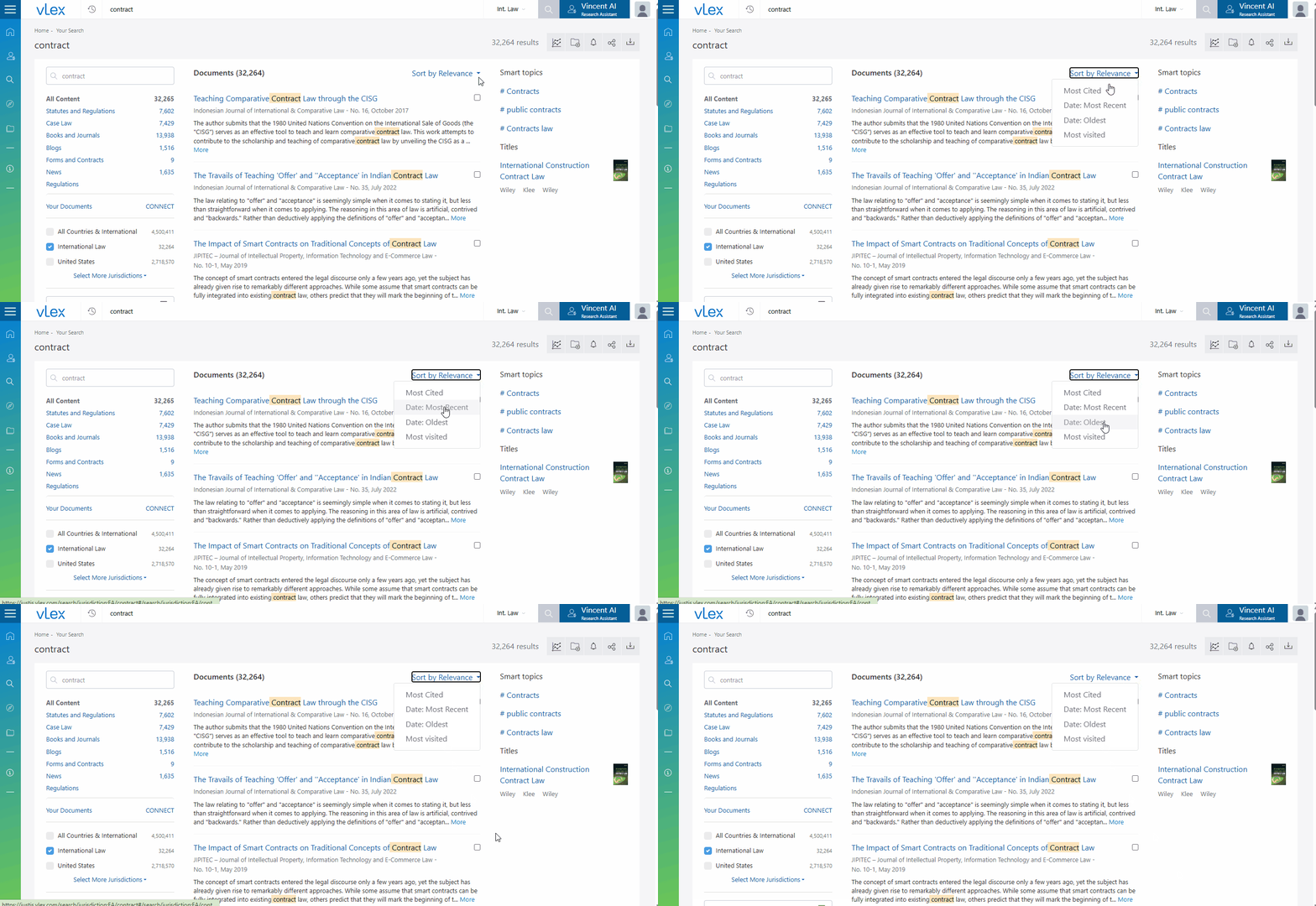
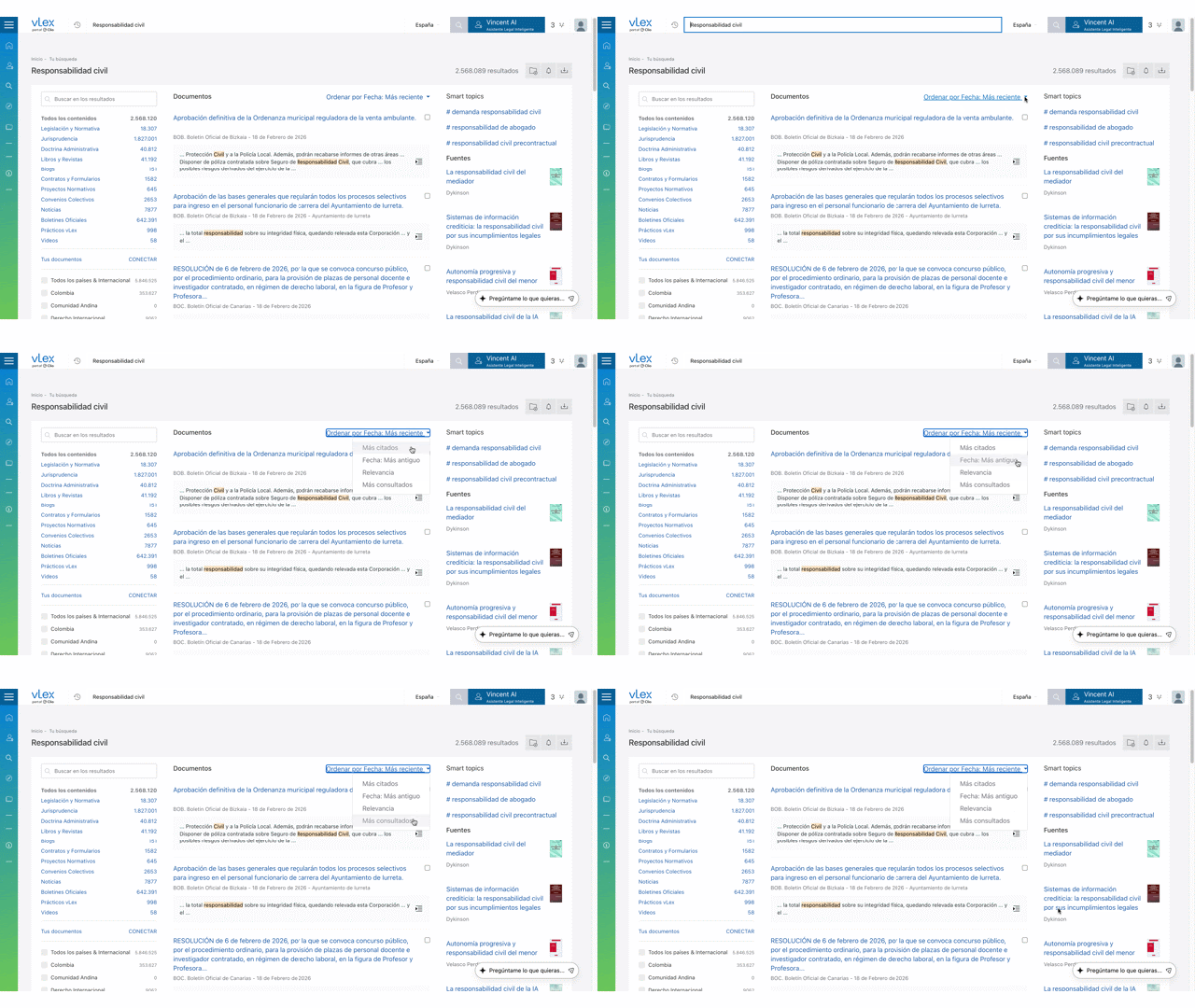
While **Relevance** is the default, you can change the sort order to fit your needs. Use the dropdown menu located at the top-right of the central results column to sort by:

* **Most cited**
* **Most recent**
* **Oldest**
* **Most visited**

{% tabs %}
{% tab title="English Interface" %}

<figure><img src="/files/yVeUGx8nV37xqBKNHMBw" alt=""><figcaption><p>Sort results by relevance, most cited, most recent, or most visited.</p></figcaption></figure>
{% endtab %}

{% tab title="Interfaz en Español" %}

<figure><img src="/files/OOIOYLLJHivlIjRSMlwM" alt=""><figcaption><p>Ordena los resultados por relevancia, más citados, más recientes o más visitados.</p></figcaption></figure>
{% endtab %}
{% endtabs %}

### Best Practices & Pro Tips

* **Start with Relevance:** For most research tasks, trust the default **Relevance** sorting to bring the most authoritative documents to the top.
* **Use "Most Recent" for Current Awareness:** When you need to see the very latest developments on a topic, switch the sorting to **Most recent**.

### Related Articles

* [Navigating the Document Viewer in vLex Library](/vlex-library/vlex-library-home/getting-started/navigating-the-document-viewer-in-vlex-library.md)
* [Personalizing Your vLex Library Experience](/vlex-library/vlex-library-home/getting-started/personalizing-your-vlex-library-experience.md)
* [How to Research Case Law in vLex Library](/vlex-library/vlex-library-home/content-and-document-types/how-to-research-case-law-in-vlex-library.md)

**What's Your Next Step?**

| **New to** vLex Library **?**                                                                                                                                                                                   | **Already a** vLex Library **Customer?**                                                                                                                   |
| --------------------------------------------------------------------------------------------------------------------------------------------------------------------------------------------------------------- | ---------------------------------------------------------------------------------------------------------------------------------------------------------- |
| [See how vLex Library can transform your practice. **Request a personalized demo**.](https://vlex.com/book-a-demo?utm_source=website\&utm_medium=organic\&utm_campaign=web_trial_homepage\&campaign_id=4270741) | [If you still have questions or need help with a specific feature, our team is here to assist. **Contact our Support team**.](https://vlex.com/contact-us) |


---

# Agent Instructions: Querying This Documentation

If you need additional information that is not directly available in this page, you can query the documentation dynamically by asking a question.

Perform an HTTP GET request on the current page URL with the `ask` query parameter:

```
GET https://support.vlex.com/vlex-library/vlex-library-home/getting-started/how-vlex-library-ranks-search-results.md?ask=<question>
```

The question should be specific, self-contained, and written in natural language.
The response will contain a direct answer to the question and relevant excerpts and sources from the documentation.

Use this mechanism when the answer is not explicitly present in the current page, you need clarification or additional context, or you want to retrieve related documentation sections.