> For the complete documentation index, see [llms.txt](https://support.vlex.com/llms.txt). Markdown versions of documentation pages are available by appending `.md` to page URLs; this page is available as [Markdown](https://support.vlex.com/vincent-by-vlex-1/vincent-studio/vincent-studio-workflow-examples/creating-a-tax-inspection-analysis-workflow.md).
# Creating a Tax Inspection Analysis Workflow
Automate the extraction of chronological facts and key arguments from complex tax documents to prepare stronger client defenses and objections efficiently.
### Summary
This guide outlines how to build a workflow that analyzes tax inspection reports. It identifies key facts, arguments, and inconsistencies to facilitate the preparation of submissions or objections for your client.
### Why This is Important
Tax inspection reports are dense and complex. This workflow acts as a "second pair of eyes," rapidly extracting chronological facts and structuring arguments. This allows tax attorneys to focus on strategy and defense preparation rather than data extraction.
### Workflow Configuration Guide
Follow these steps to replicate this workflow in Vincent Studio.
#### 1. Define Workflow Details
Create a new workflow with the following metadata:
* **Name:** Tax Inspection Report Analysis
* **Description:** Analysis of the main facts, arguments, and conclusions used by the Tax Inspection.
* **Tags:** Studio, Tax
#### 2. Set the System Prompt
Define the context for the AI model:
> In the context of a tax inspection in which the user’s client is the audited company, they receive the Tax Inspection Report issued by the Spanish Tax Agency (either the opening report or the reply to the client's submissions).
>
> Your goal is to perform analytical tasks to identify key facts, arguments used, and inconsistencies, in order to prepare the client’s objections.
#### 3. Configure Input
* **Input Type:** Start with a file.
* **Instructions:** Upload the Tax Inspection Report.
* **Details:** Upload the inspection report, the response to the submissions, or the proposed tax assessment.
#### 4. Add Tasks and Steps
This workflow uses a **Suggested Task**, giving the user the option to run this specific analysis.
**Suggested Task 1: Chronology of Facts**
* **Description:** Extract the main facts chronologically.
**Step 1: Pass with Context and Instructions**
* **Action Type:** Pass with Context and Instructions.
* **Instructions:** Copy the following logic to extract the table:
```
Extract only the explicit facts from the documents, including procedural facts where applicable. Return them in a table with the following columns:
- Date (DD-MM-YYYY)
- Fact
- Source (document name or page number)
Rules:
- Sort the table in ascending order by date.
- If there are multiple documents, combine all facts and remove duplicates.
- If a fact does not include a date, leave that cell empty (do NOT infer dates).
- Exclude opinions, inferences, and questions: only explicit facts.
```
{% hint style="info" %}
**Pro Tip:** You can add additional Suggested Tasks to this workflow, such as "Position of the Tax inspection" or "Drafting Objections" to create a comprehensive analysis suite.
{% endhint %}
{% tabs %}
{% tab title="English Interface" %}
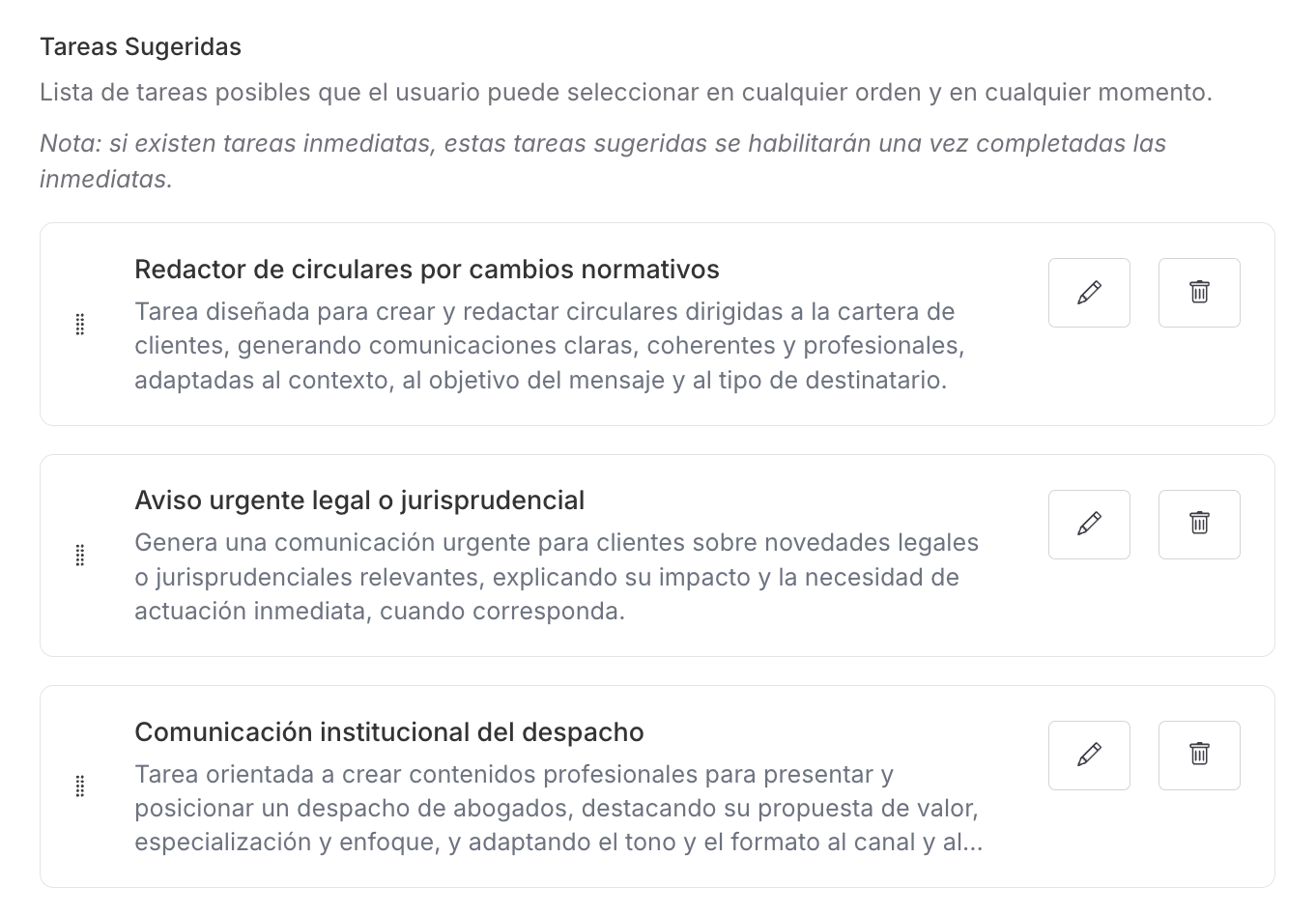
Suggested Task configuration panel.
{% endtab %}
{% tab title="Interfaz en Español" %}
Panel de Configuración de la Tarea sugerida
{% endtab %}
{% endtabs %}
#### 5. Share and Publish
Review your nodes, ensure the logic flows correctly, and click **Publish**. You can now share this with your Tax department.
### Related Articles
* [Workflow Governance: Quality Control and Lifecycle Management](/vincent-by-vlex-1/vincent-studio/vincent-studio-advanced-techniques-and-best-practices/workflow-governance-quality-control-and-lifecycle-management.md)
* [Automate Repetitive Legal Work with Vincent Studio](/vincent-by-vlex-1/vincent-studio/getting-started-with-studio-workflows/automate-repetitive-legal-work-with-vincent-studio.md)
### Unlock the Power of Legal Automation
Ready to see how Vincent Studio can transform your firm's efficiency?
[**Contact our sales team for a personalized demo today.**](https://vlex.com/book-a-demo?utm_source=website\&utm_medium=organic\&utm_campaign=web_trial_homepage\&campaign_id=4270741)
**What's Your Next Step?**
| **New to Vincent Studio?** | **Already a Vincent Studio Customer?** |
| ---------------------------------------------------------------------------------------------------------------------------------------------------------------------------------------------------------- | ---------------------------------------------------------------------------------------------------------------------------------------------------------- |
| [See how Vincent can transform your practice. **Request a personalized demo**.](https://vlex.com/book-a-demo?utm_source=website\&utm_medium=organic\&utm_campaign=web_trial_homepage\&campaign_id=4270741) | [If you still have questions or need help with a specific feature, our team is here to assist. **Contact our Support team**.](https://vlex.com/contact-us) |