What is Docket Alarm?

Understand the core purpose of Docket Alarm, the difference between dockets and case law, and the scope of our court coverage.

Summary

Understand the core purpose of Docket Alarm, how it differs from traditional case law databases, and the specific types of legal data you can access, track, and analyze.

Why This is Important

To use Docket Alarm effectively, it is crucial to distinguish it from substantive law research tools. While other platforms tell you what the law is, Docket Alarm tells you what is happening in the courts right now. This distinction ensures you use the right tool for the right task—saving time on research and ensuring you never miss a filing deadline.

The Core Concept: Dockets vs. Case Law

The easiest way to understand Docket Alarm is to use the following analogy:

  • Case Law Databases (e.g., vLex): These are like a Law Library. You go here to read books, judicial opinions, and statutes to understand legal precedents and build arguments.

  • Docket Alarm: This is like a Court File Room. You go here to pull the physical file of a case, see the chronological list of events (the docket sheet), and download the actual documents filed by attorneys (complaints, motions, answers).

Key Capabilities

Docket Alarm empowers you to perform three primary actions:

  1. Search: Access millions of records across federal, state, and agency courts. Because Docket Alarm uses OCR (Optical Character Recognition), you can search not just by case name, but by the full text within the PDF filings themselves.

  2. Track: Set up alerts. You can monitor specific cases for new filings or "watch" a client name to be notified if they are sued in a new jurisdiction.

  3. Analyze: Use data to predict outcomes. Docket Alarm tags over 220 types of motions to visualize how often a specific judge grants or denies motions, or how long a specific case type typically takes to resolve.

System Coverage

Docket Alarm provides access to a vast range of jurisdictions. You can view the full live coverage list at docketalarm.com/coverage.

  • Federal Courts: Comprehensive coverage of US District Courts, Circuit Courts, and Bankruptcy Courts (via PACER integration).

  • State Courts: Coverage of 40+ states (including trial and appellate levels). Note that data fields may vary based on what the local court provides.

  • Federal Agencies: Specialized coverage for IP (PTAB, TTAB, ITC) and other agencies like the NLRB, FTC, and Tax Court.

  • International: Recently expanded coverage includes UK-based courts.

Understanding Data Freshness

When viewing a docket sheet, you will see a Last Updated field.

  • Official Updates: This indicates the system has directly queried the court's record system (like PACER) for the latest data.

  • Unofficial Updates: Sometimes you may see an update marked as "Unofficial." This means the data was pulled from an RSS feed. While reliable, it may not contain every minute detail.

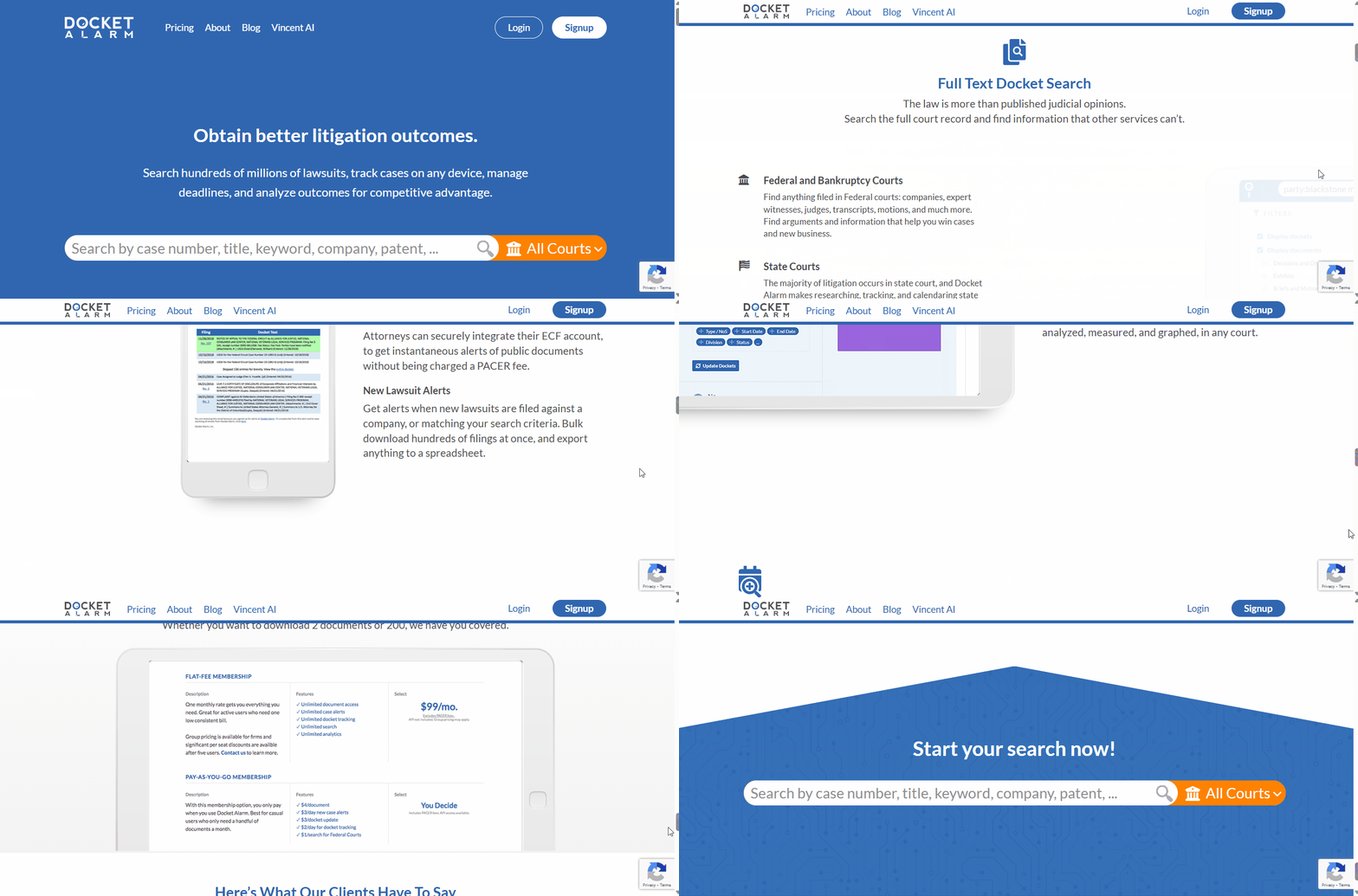
Docket Alarm acts as your digital court file room, providing a centralized hub to Search for filings, Track active litigation, and Analyze court data in real-time.

Pro Tip: If you need to be 100% certain you are seeing the current status of a case, click the Update Docket button on the case page. This forces a live refresh from the court source (note: this may incur a standard PACER fee for federal cases if you do not have a fee cap).

Need more help?

If you have questions about specific court coverage or data types, please contact our Support team at [email protected].

What's Your Next Step?

Last updated

Was this helpful?